> ## Documentation Index
> Fetch the complete documentation index at: https://pindocs.jackalprotocol.com/llms.txt
> Use this file to discover all available pages before exploring further.
# Generating API keys
> Below, we will show you how to generate an api key to interact with Jackal Pin
Jackal Pin allows you to generate api keys to build anything you want ontop of
IPFS. Make sure you have a [Jackal Pin
Account](https://pin.jackalprotocol.com/)!
Once you have that sorted, you can go to [pin.jackalprotocol.com/keys](https://pin.jackalprotocol.com/) and generate an api key from there.
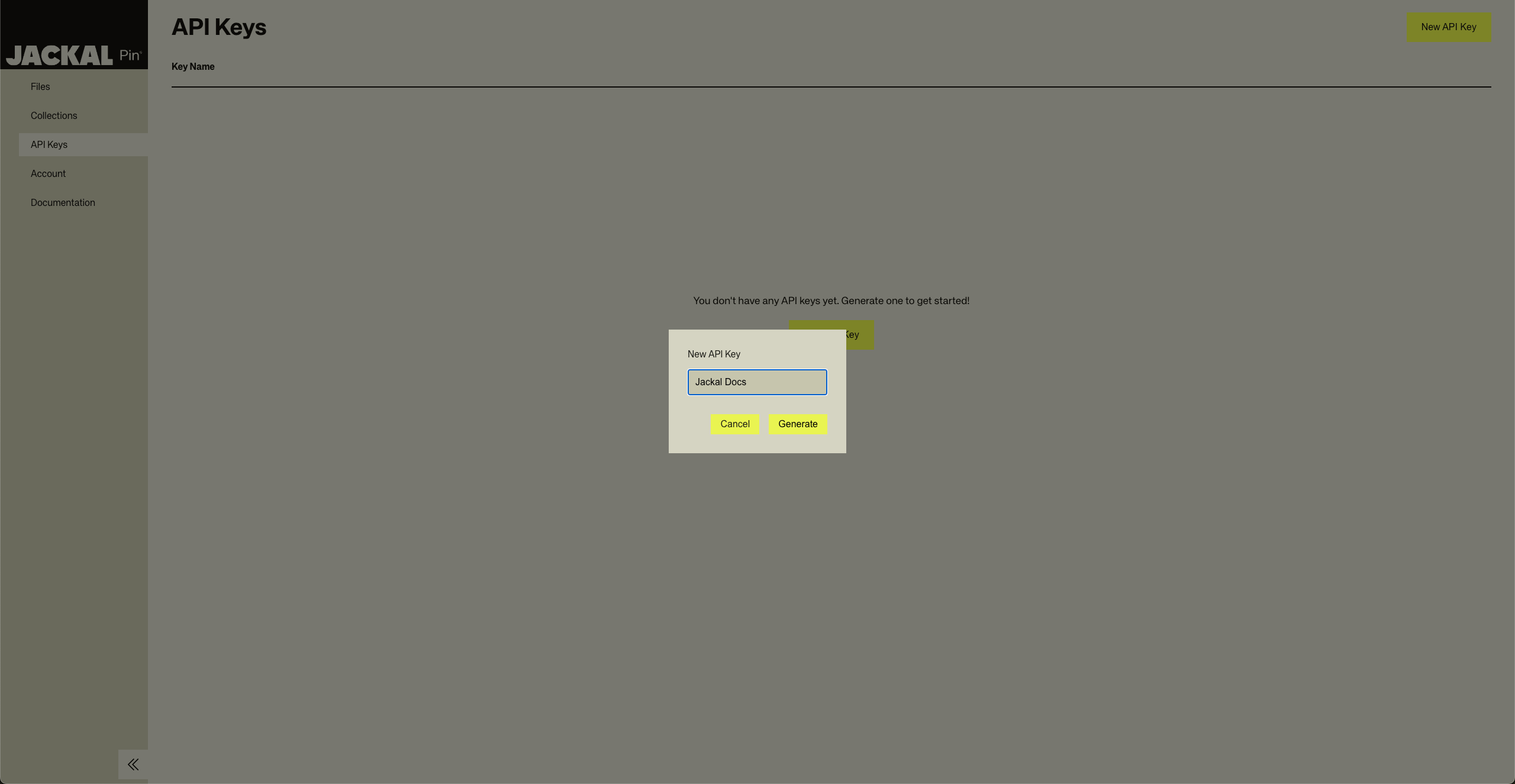 After that, you are good to go. You can move onto the API reference page to learn more about what you can do with the
key: [Intro to Jackal Pin API](/api-reference/introduction)
After that, you are good to go. You can move onto the API reference page to learn more about what you can do with the
key: [Intro to Jackal Pin API](/api-reference/introduction)